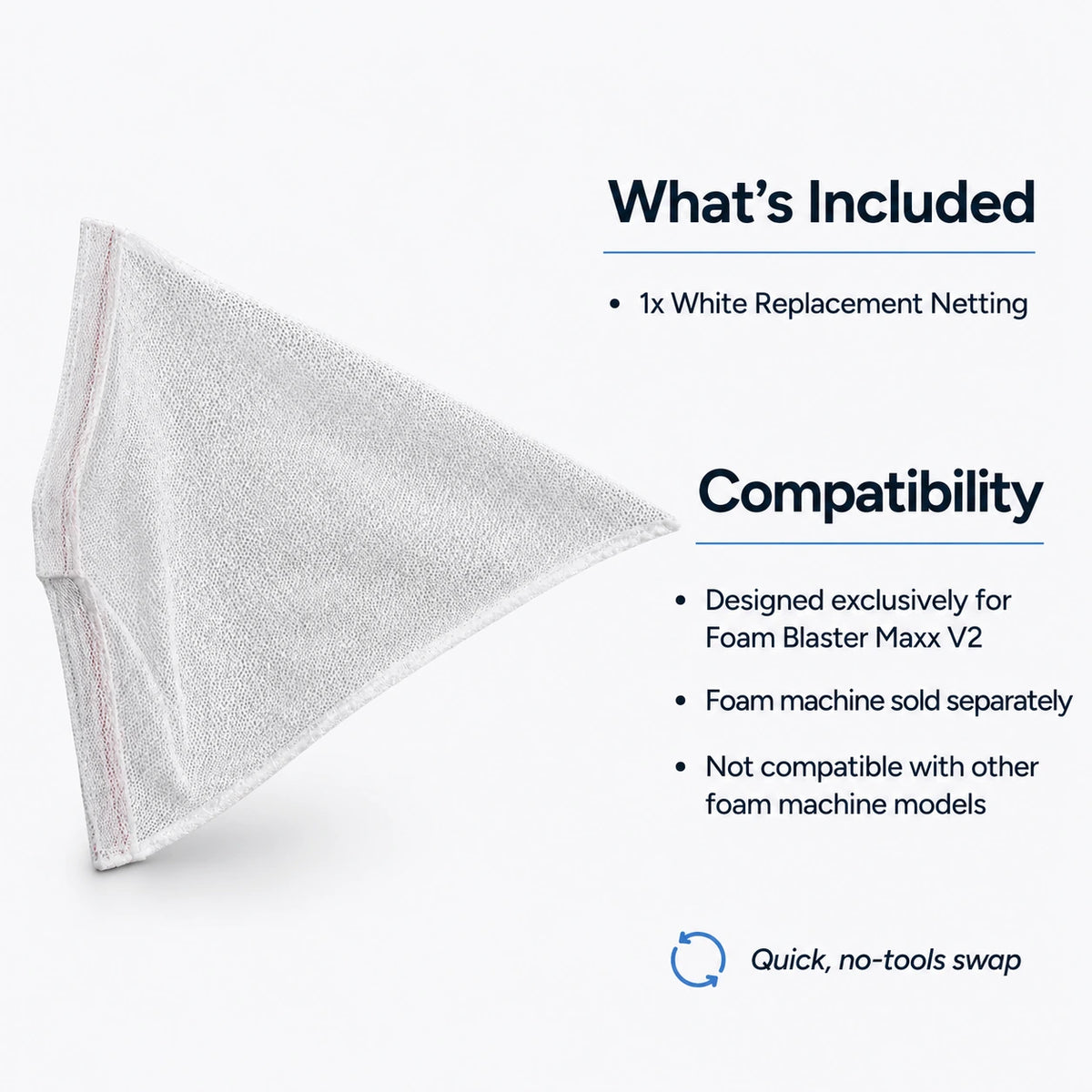
Foam Blaster Maxx v2 Replacement Netting (White)
Couldn't load pickup availability
1-Year Warranty Included
Same-Day Shipping (Order by 12PM EST)
Expert Support: Call (866) 577-8743
Shipping information
Shipping information
Warranty information
Warranty information
Scattered Foam. Maximum Coverage.
This white replacement netting for the Foam Blaster Maxx V2 creates a wide, scattered foam effect — spreading foam across a broad area for maximum crowd coverage. It's the opposite of the black foam bag attachment, which produces a concentrated column of foam.
Keep a spare on hand or swap between netting and bag attachments to switch up your foam effect style.
White Netting (this product) → Wide, scattered foam spread
Black Foam Bag → Focused, foam column
Scattered Foam Effect
The white netting attachment disperses foam into a wide, scattered pattern as it exits the blower. This creates:
- Broader coverage — Foam spreads across a wider area
- Lighter, airier foam — More distributed foam particles
- Crowd-friendly effect — Great for foam parties where you want foam everywhere
When to Use Netting vs. Bag
| Attachment | Effect | Best For |
|---|---|---|
| White Netting | Wide, scattered spread | Foam parties, crowd coverage, outdoor events |
| Black Foam Bag | Focused vertical column | Stage effects, targeted foam, controlled placement |
Compatible Machine
This netting is designed exclusively for:
What's Included
- 1x White Replacement Netting for Foam Blaster Maxx V2
What's the difference between the netting and the black bag?
The white netting creates a wide, scattered foam effect — foam spreads out across a broad area. The black foam bag creates a focused, vertical column of foam for more concentrated, controlled placement.
Does the Maxx V2 come with netting?
Check the product listing for your Foam Blaster Maxx V2 to see what attachments are included. This listing is for a replacement or spare netting if you need an extra or your original is worn.
How do I install the netting?
The netting attaches to the output of the Foam Blaster Maxx V2. Remove any existing attachment, then secure the netting in place. No tools required — it's a simple swap.
Can I switch between netting and bag during an event?
Yes. Both attachments are designed for quick changes. You can swap between scattered (netting) and column (bag) effects as needed.
How long does the netting last?
With proper care, the netting will last through many events. Rinse after use to remove foam residue and allow to dry before storage.
Maximize Scatter Effect
Position the Maxx V2 higher and aim slightly upward — the scattered foam will drift down over a wider area as it falls.
Keep a Spare
For high-volume foam party operators, keep spare netting on hand. It's easier to swap a fresh netting than to clean mid-event.
Rinse After Use
Foam solution residue can build up on the netting over time. Rinse with clean water after each event and let dry completely before storing.
Combine Effects
If you're running multiple Maxx V2 machines, try one with netting (scattered) and one with the black bag (column) for visual variety.
🎯 The Effect
Scattered Foam Effect
The white netting disperses foam into a wide, scattered pattern:
- Broader coverage — Foam spreads wider
- Lighter, airier foam — More distributed
- Crowd-friendly — Great for foam parties
Netting vs. Bag
| White Netting | Wide, scattered spread |
| Black Foam Bag | Focused vertical column |
🔧 Compatibility
Compatible Machine
- Foam Blaster Maxx V2 only
What's Included
- 1x White Replacement Netting
❓ FAQ
Netting vs. bag difference?
Netting = wide, scattered foam. Bag = focused vertical column.
How do I install it?
Attaches to the Maxx V2 output. No tools — simple swap.
Can I switch mid-event?
Yes — quick-change design allows swapping between attachments.
How long does it last?
Many events with proper care. Rinse after use and dry before storage.
💡 Tips
Maximize Scatter
Position higher and aim upward — foam drifts down over wider area.
Keep a Spare
High-volume operators should keep spare netting on hand.
Rinse After Use
Rinse with clean water after each event. Dry completely before storing.
Combine Effects
Run multiple machines — one with netting (scattered), one with bag (column).